
Download Paper Comic Viewer – Comic Reader, Comic Viewer, Manga Reader, Digital Comics
Overview
Paper Comic Viewer is a dedicated mobile application designed for readers who enjoy digital comics, manga, and graphic novels on their smartphones or tablets. Its primary purpose is to deliver a seamless, efficient, and enjoyable reading experience by supporting a wide range of comic file formats. The app addresses the common challenge of format incompatibility, which often frustrates users trying to access their favorite titles across different devices. By eliminating this barrier, Paper Comic Viewer ensures that users can open and read their digital comics without conversion or additional software.
Target users include casual readers, long-time comic enthusiasts, and manga fans who value quick access and reliable performance. The app’s lightweight design and fast loading times make it ideal for on-the-go reading, whether commuting, relaxing at home, or taking a break between tasks. While the developer did not provide detailed background information, the app’s consistent functionality since its release in 2013 suggests a stable and focused development approach. In the broader app ecosystem, Paper Comic Viewer serves as a reliable utility tool for digital content consumption, especially within the niche of comic and manga reading.
Real-world use cases include reading downloaded manga volumes, reviewing collected comic issues, or browsing personal digital libraries. The app’s ability to remember the last read page enhances continuity, making it a practical choice for readers with ongoing storylines. Its role as a lightweight, no-frills comic viewer fills a specific gap in the market for users who prioritize simplicity and compatibility over advanced features.
Key Features & Functionality
- Universal Format Support: Paper Comic Viewer is engineered to open multiple comic formats, including CBZ, CBR, PDF, and other common digital comic files. This ensures that users are not restricted by file type, allowing for a consistent reading experience regardless of how their comics were originally distributed.
- Fast Loading Times: The app is optimized for rapid startup and page loading, enabling users to begin reading within seconds of opening a file. This efficiency is especially beneficial for large comic archives or multi-volume series with numerous pages.
- Flexible Navigation: Users can switch between standard, fullscreen, and auto-rotate modes based on their preference. This adaptability supports different reading habits, from casual scrolling to immersive full-screen viewing.
- Magnifying Glass Feature: A built-in magnifier allows readers to zoom into specific panels or artwork details. This is particularly useful for appreciating intricate illustrations, panel layouts, or text in high-resolution scans.
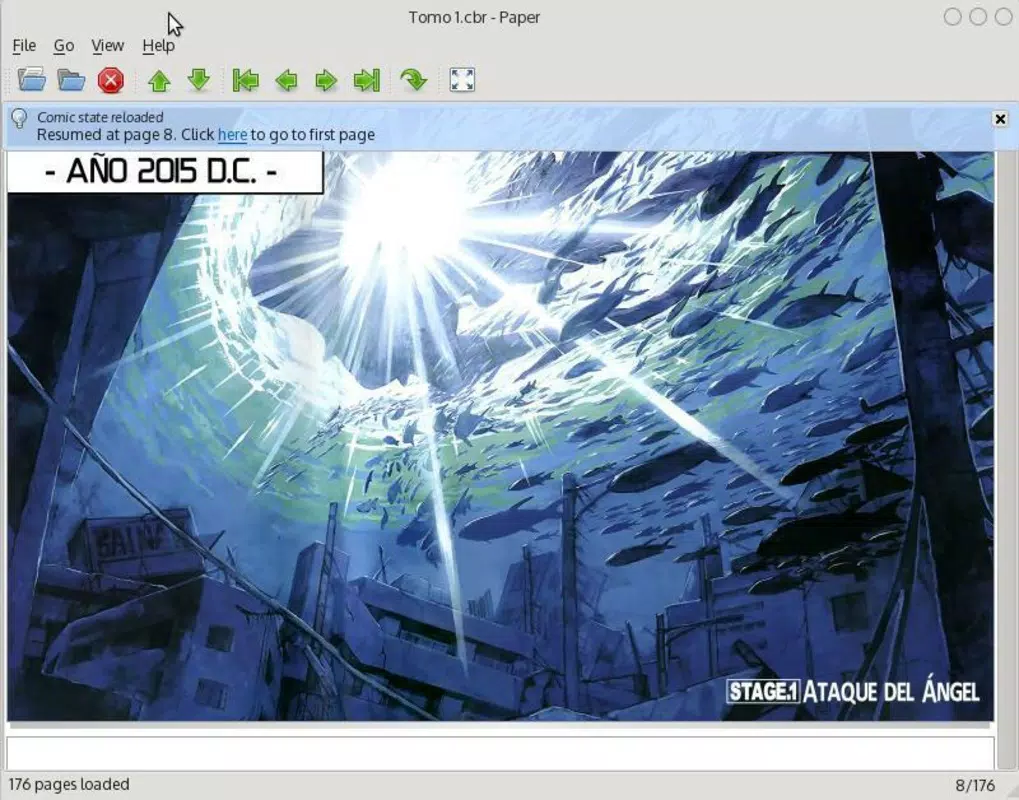
- Page Memory Function: The app automatically saves the last page read, so users can close and reopen the file without losing their place. This feature enhances usability during interrupted reading sessions.
For example, a user downloading a 500-page manga volume can open it instantly, navigate through pages with ease, zoom in on character expressions, and return to the same page later without effort. These features collectively support a frictionless reading workflow, making the app suitable for both short and extended reading sessions.
Interface, UX & Performance
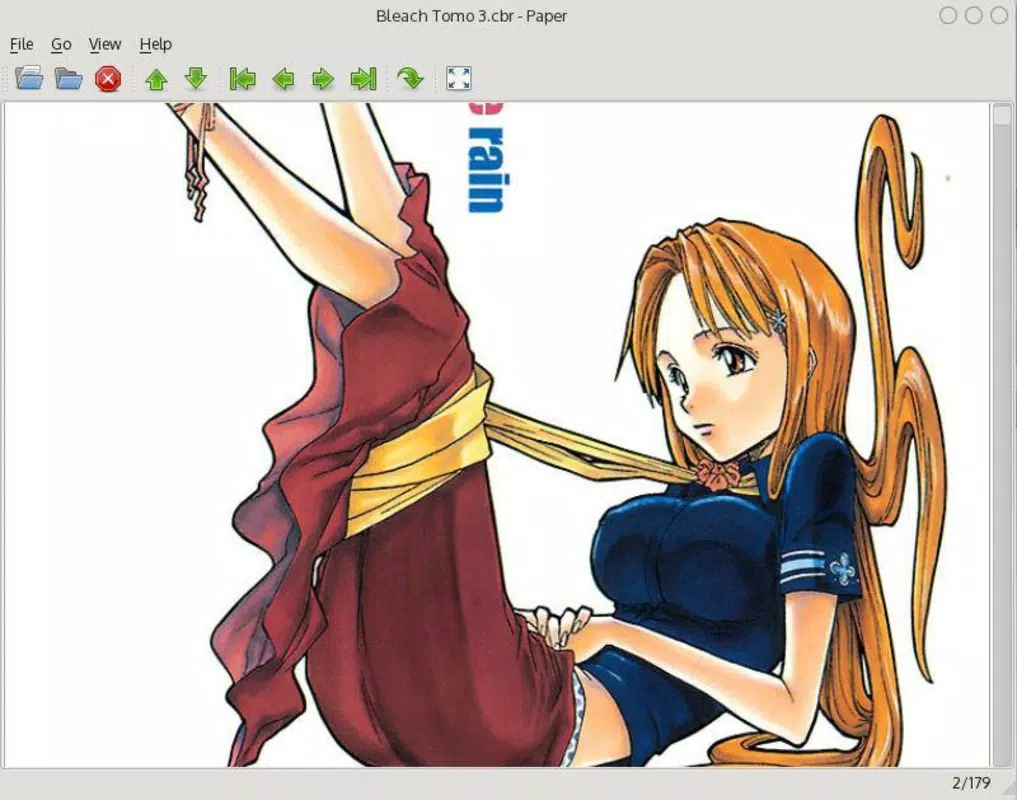
The user interface of Paper Comic Viewer is designed with simplicity and functionality in mind. The layout is clean and minimal, focusing on the comic content without unnecessary distractions. Navigation is intuitive, with accessible controls for page turning, zooming, and switching viewing modes. The visual style remains consistent across different screen sizes, ensuring readability and usability on both small and large devices.
Navigation flow is straightforward: users open the app, select a comic file from their device, and begin reading immediately. The app responds promptly to touch inputs, with smooth transitions between pages and consistent performance during zooming and rotating actions. Although the developer did not list formal performance metrics, the app’s long-standing presence and minimal size suggest efficient resource usage.
Performance on various device categories—such as budget smartphones, mid-range tablets, and high-end devices—has not been formally documented. However, its 4.8 MB file size indicates a lightweight footprint, which typically translates to stable operation even on older or less powerful hardware. Responsiveness and stability appear to be well-maintained, as users can expect consistent behavior across multiple sessions without crashes or freezes.
Platform Compatibility & Technical Requirements
Paper Comic Viewer is available exclusively on the Android platform. The current version is 1.1.1, released on October 11, 2013. The app has a file size of 4.8 MB, making it a compact download suitable for devices with limited storage space. While the developer did not specify minimum OS requirements, the app’s age and lightweight nature suggest compatibility with older Android versions, potentially down to Android 4.0 or later.
Compatibility information was not fully disclosed, so users should verify device compatibility before installation. The app does not appear to require specific permissions beyond basic file access, but no details were provided on this aspect. Users seeking the latest version should ensure they are downloading from a trusted source to maintain security and functionality.
Pros and Cons
- Supports multiple comic formats without conversion
- Fast loading and responsive performance
- Simple, clean interface with minimal distractions
- Page memory function preserves reading progress
- Lightweight at only 4.8 MB
- Released in 2013; may lack modern UI enhancements
- No official updates since initial release
- Platform limited to Android only
- Developer did not provide technical details or support channels
- Missing advanced features like cloud sync or library organization
FAQ
Is Paper Comic Viewer free to download and use?
Yes, the app is available at no cost. It does not require a subscription or in-app purchases.
Can I read manga and comic books on Paper Comic Viewer?
Yes, the app supports digital manga and comic books in various formats, including CBZ, CBR, and PDF.
Does the app remember my last reading position?
Yes, the page memory function automatically saves the last page read, allowing you to resume where you left off.
Is Paper Comic Viewer safe to install on Android devices?
Yes, the app is secure when downloaded from trusted sources. It does not require unusual permissions and has a minimal footprint.
Can I use Paper Comic Viewer on iOS devices?
Currently, the app is only available for Android. There is no official version for iOS.
Final Thoughts
Paper Comic Viewer remains a reliable and efficient tool for digital comic and manga readers seeking a straightforward, no-nonsense experience. Its ability to open multiple formats, fast loading, and built-in page memory make it a practical choice for fans with extensive digital libraries. While the app has not seen updates since 2013 and lacks modern features, its core functionality continues to serve its intended audience effectively.
Users who prioritize compatibility, speed, and simplicity will benefit most from this lightweight utility. For those who value a clean interface and minimal overhead, Paper Comic Viewer offers strong value without cost. Despite its age, it remains a solid option in the digital comics space.
Download Paper Comic Viewer now


